SKU:28882
Part No.:10.1EP-CAPLCD (EU)
Brand:Waveshare
Korisne informacije:
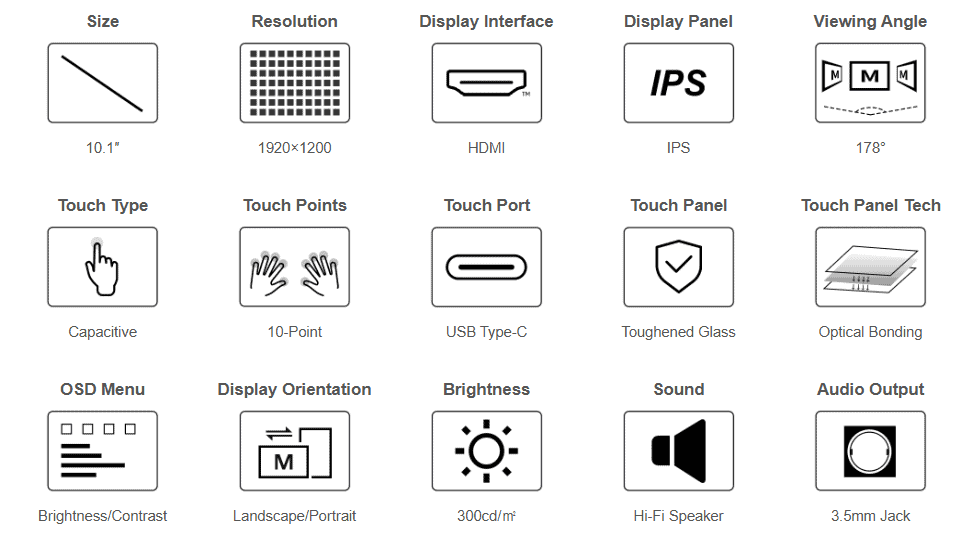
www.waveshare.com/wiki/10.1EP-CAPLCD 10.1inch High Resolution Capacitive Touch Display, 1920×1200, Optical Bonding Toughened Glass Panel, HDMI Display Interface, IPS Display, 10-Point Touch
10.1″ Capacitive Touch Display High Resolution | Multi-Point Touch | Landscape/Portrait rotation

 Device & System Support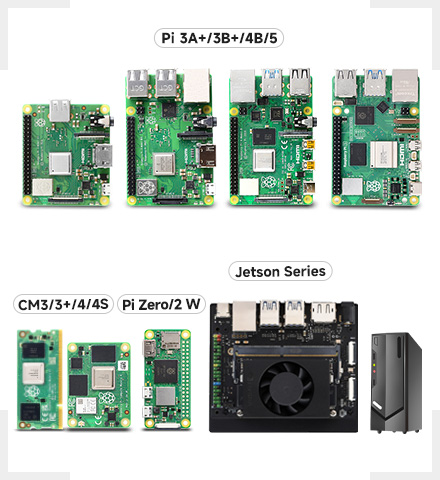
Raspberry Pi
Supports Raspberry Pi OS, 10-point touch, driver free
Supports Ubuntu / Kali / WIN10 IoT, single point touch, driver free
Supports Retropie, driver free
Supports all versions of Raspberry Pi
Jetson Series
Supports Ubuntu, single point touch, driver free
Supports Jetson Nano / TX2 / Xavier NX / Orin series boards
PC
Supports Windows 11 / 10 / 8.1 / 8 / 7, 10-point touch, driver free
Connection Examples 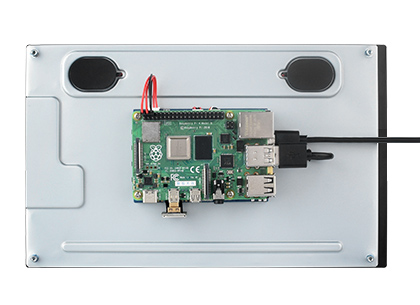 Working with Raspberry Pi 5 / 4B
 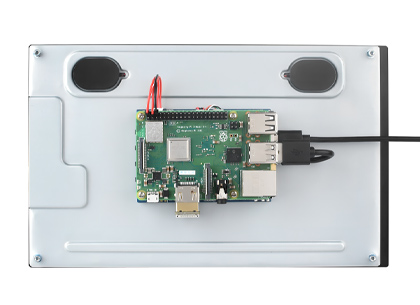 Working with Raspberry Pi 3B+
 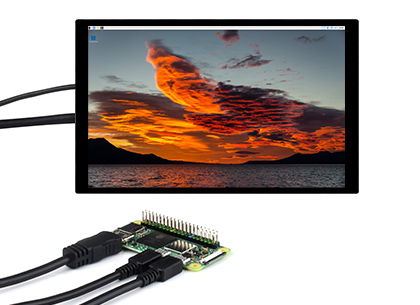 Working with Raspberry Pi Zero
 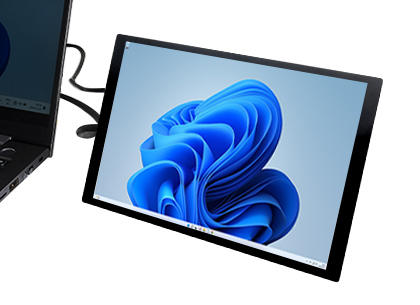 Working with PC * for reference only, the above controller boards or hosts are NOT included How to Install
Prepare the accessories as shown above, here we take Raspberry Pi 5 as an example
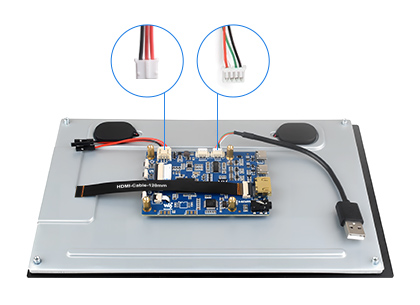
Step 1:
Connect the cable ①, ②, and ③ to the corresponding positions as shown in the picture above.
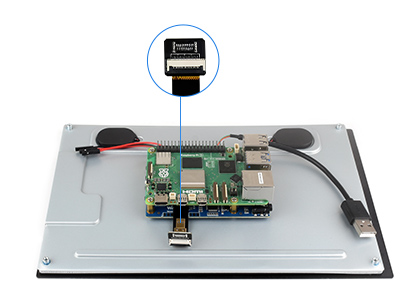
Step 2:
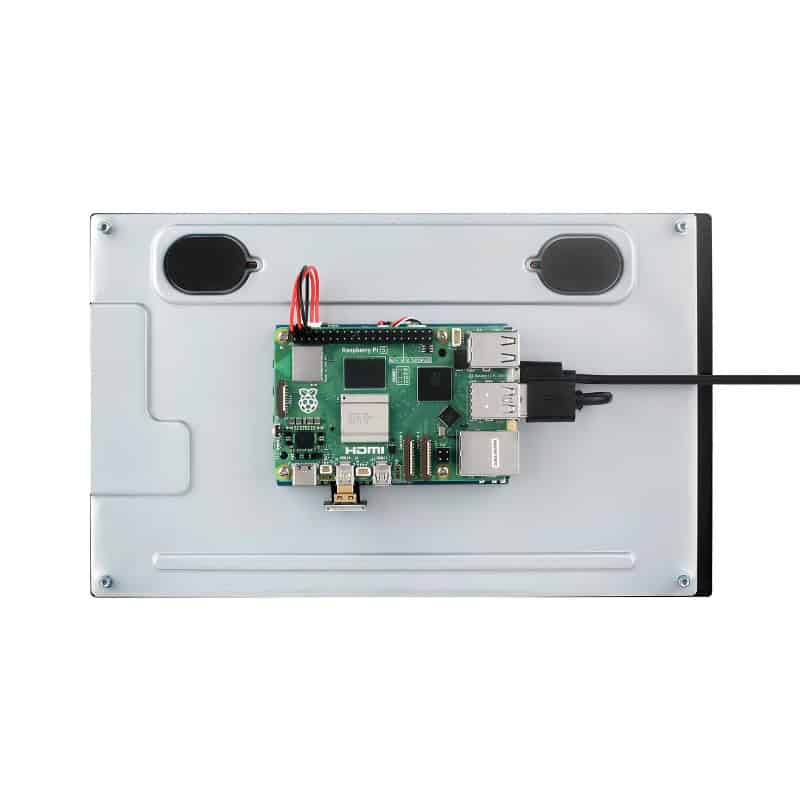
Install the Raspberry Pi 5 on the PCB board of the LCD, connect the HDMI adapter ④ to the cable ① (select HDMI adapter ④ or ⑤ according to your Raspberry Pi model) and then connect it to the Raspberry Pi Micro HDMI port.
Step 3:
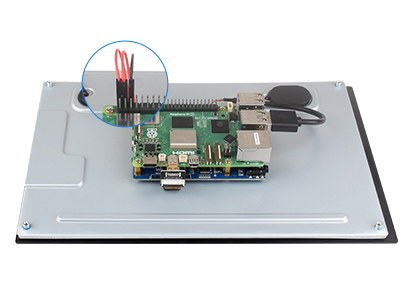
Connect the cable ② to the USB port of the Pi and connect the cable ③ to the GPIO 5V and GND pins as shown above.
Step 4:
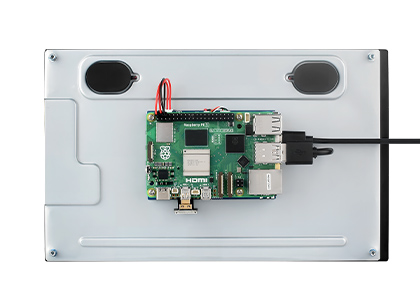
Complete the assembly as shown in the picture and ensure all connections are correct, then connect to a 5V power supply and power on.
* for reference only, the Raspberry Pi 5 is NOT included
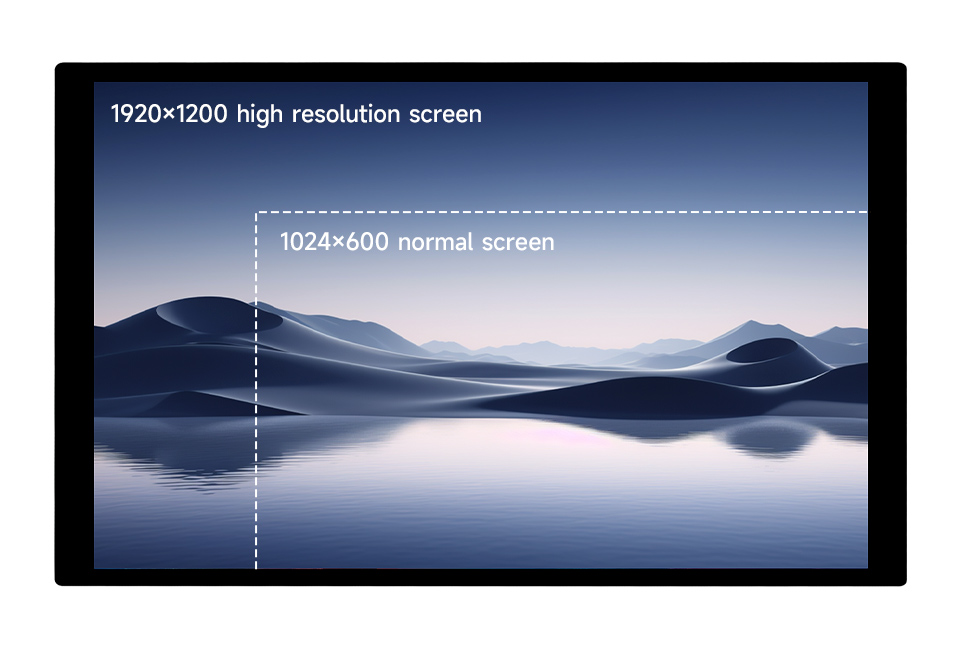
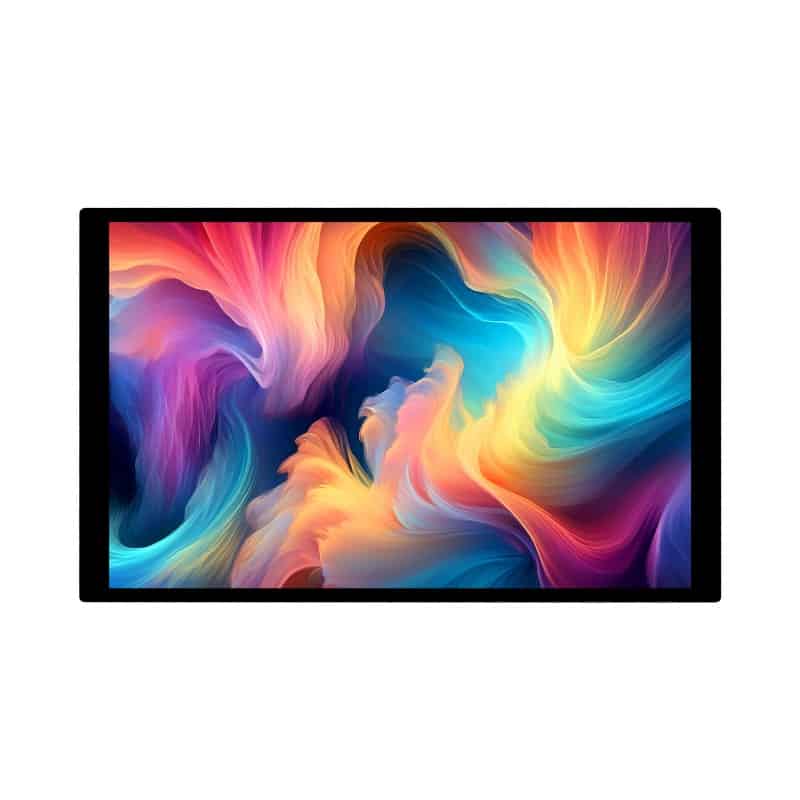
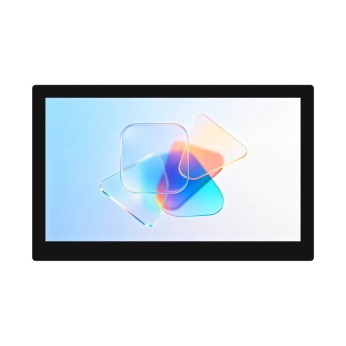
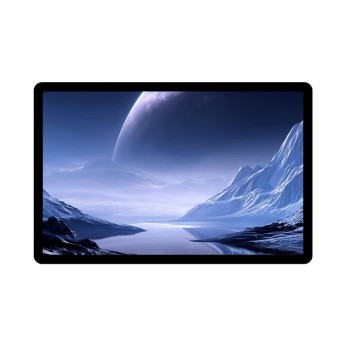
Technology upgrade, higher resolution 1920 × 1200 resolution, provides clear image and vivid color display effect
 IPS Display Panel
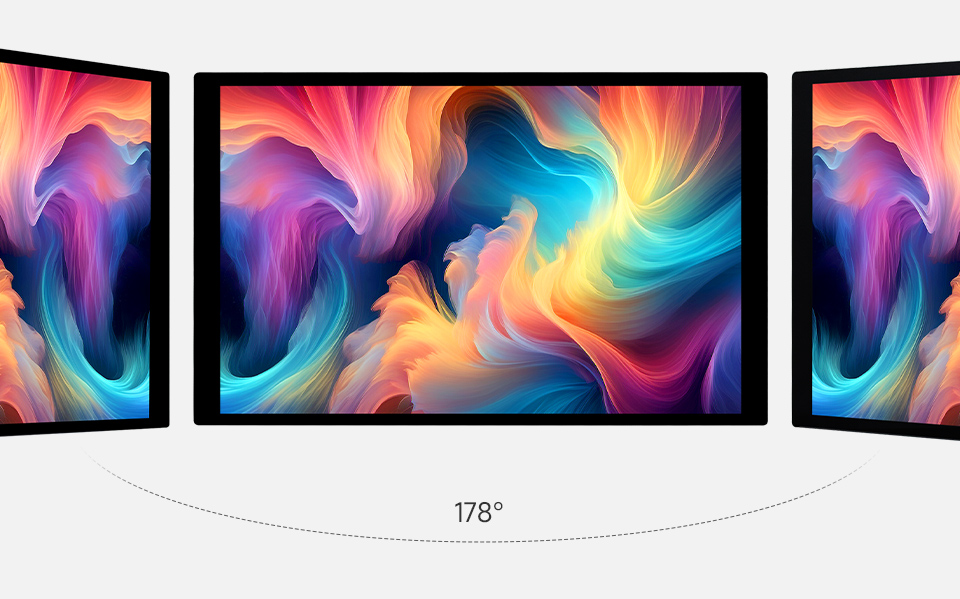
 Excellent Display Performance With 178° Wide Viewing Angle
 Capacitive 10-Point Touch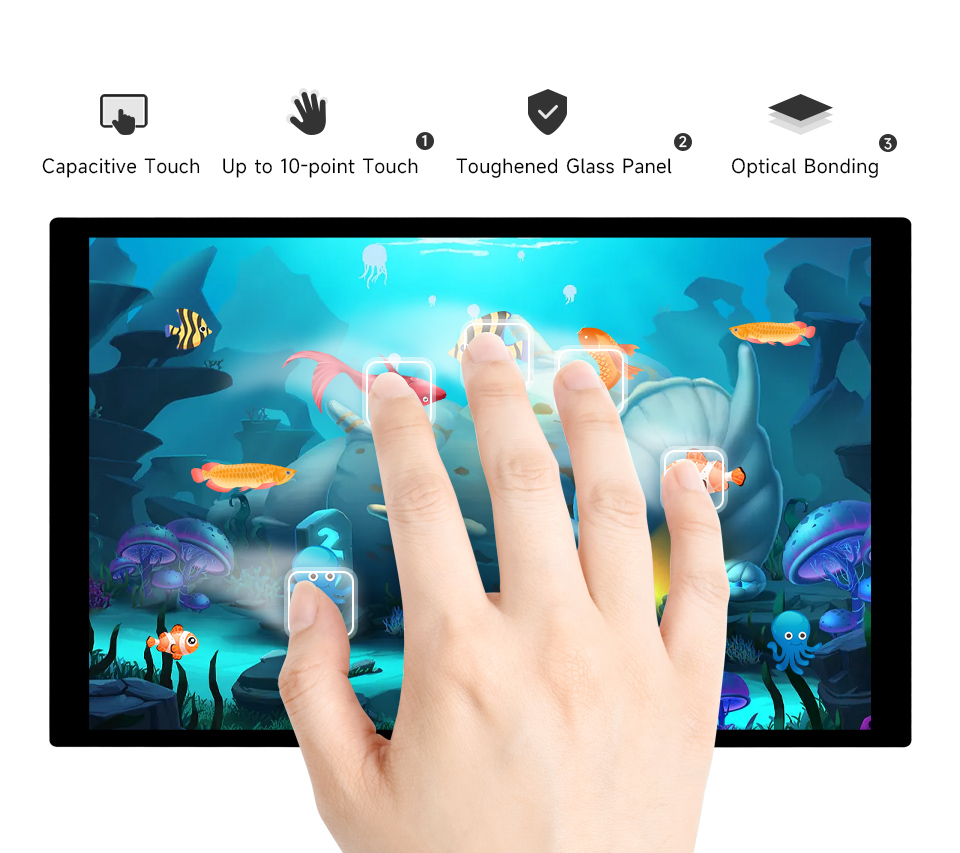
- up to 10-point touch, depending on the operating system
- up to 6H hardness toughened glass panel
- Optical Bonding, display well and dustproof
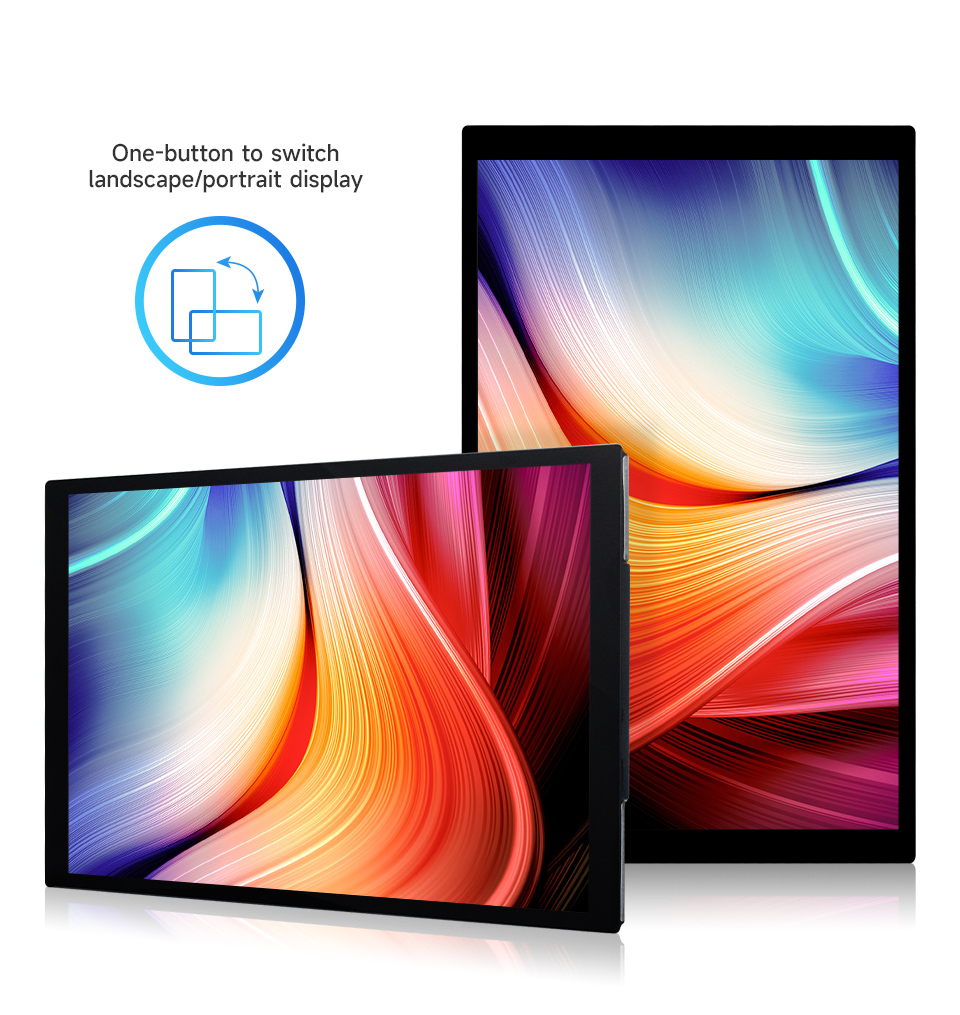
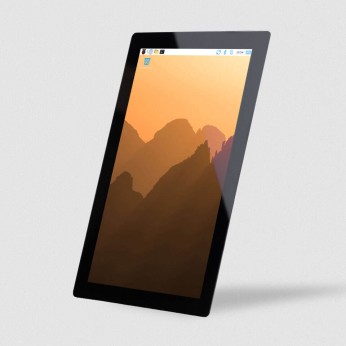
Freely rotate the display orientation One-button switch between landscape and portrait display to meet the needs of different usage scenarios
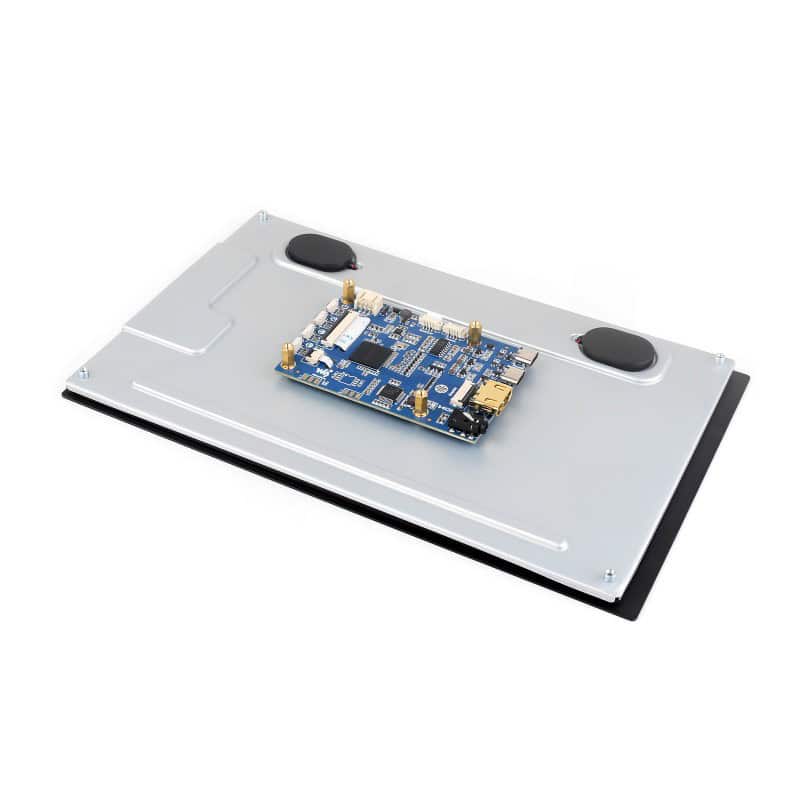
 Dual-Track Speaker
 Ferrite Hi-Fi Speaker, Larger Volume, Wider Sound Range, Better Sound Quality
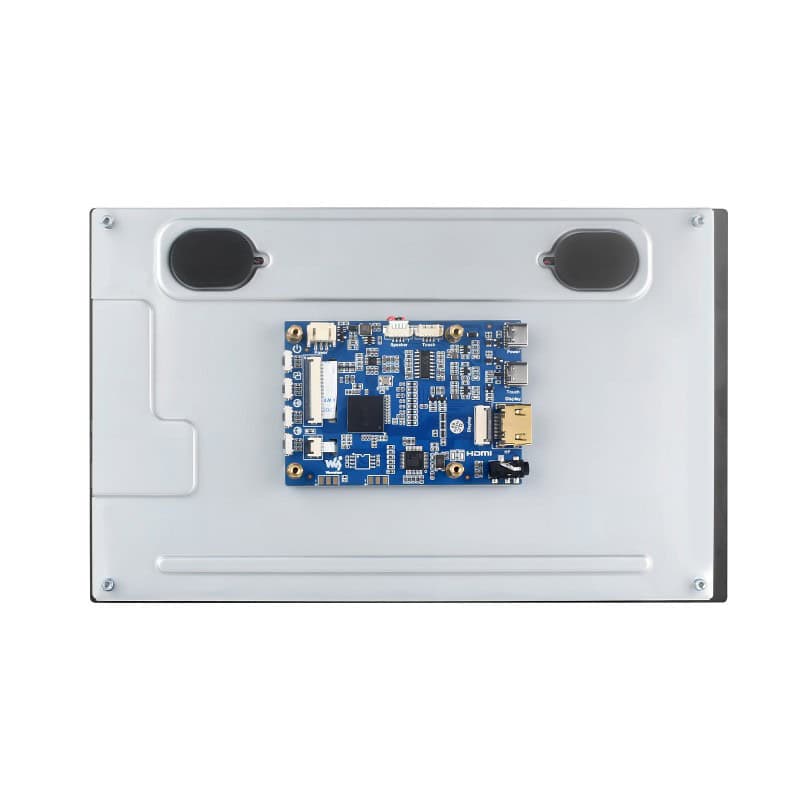
Interface Introduction 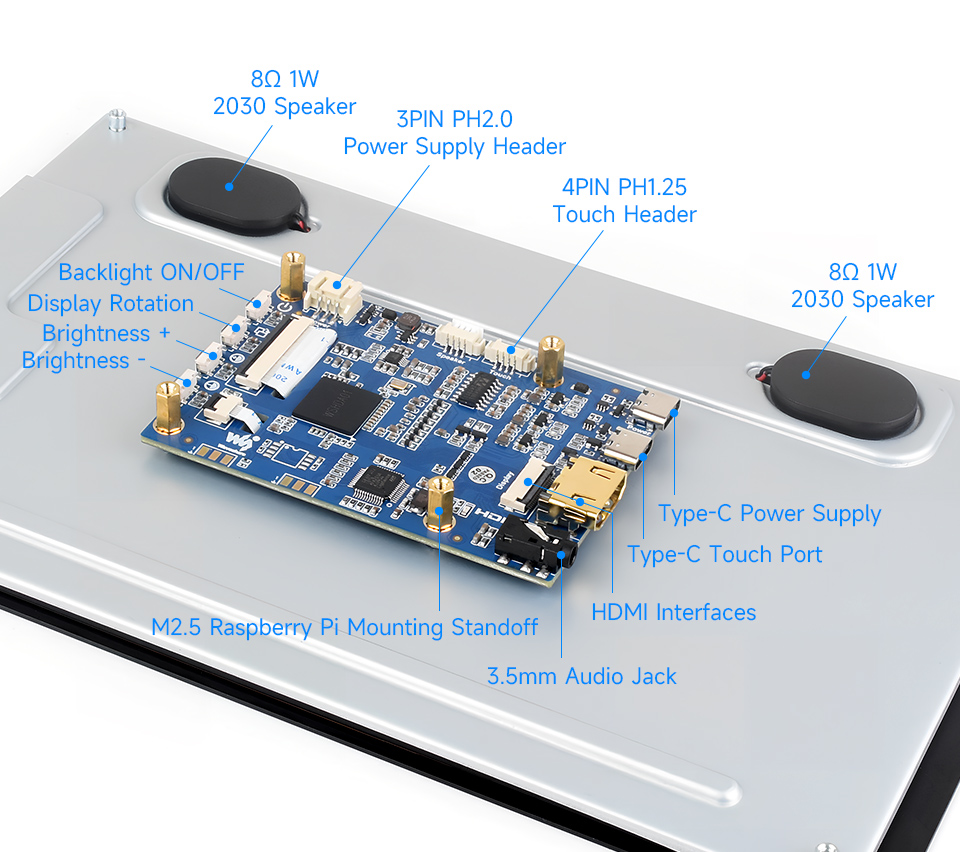 Dimensions
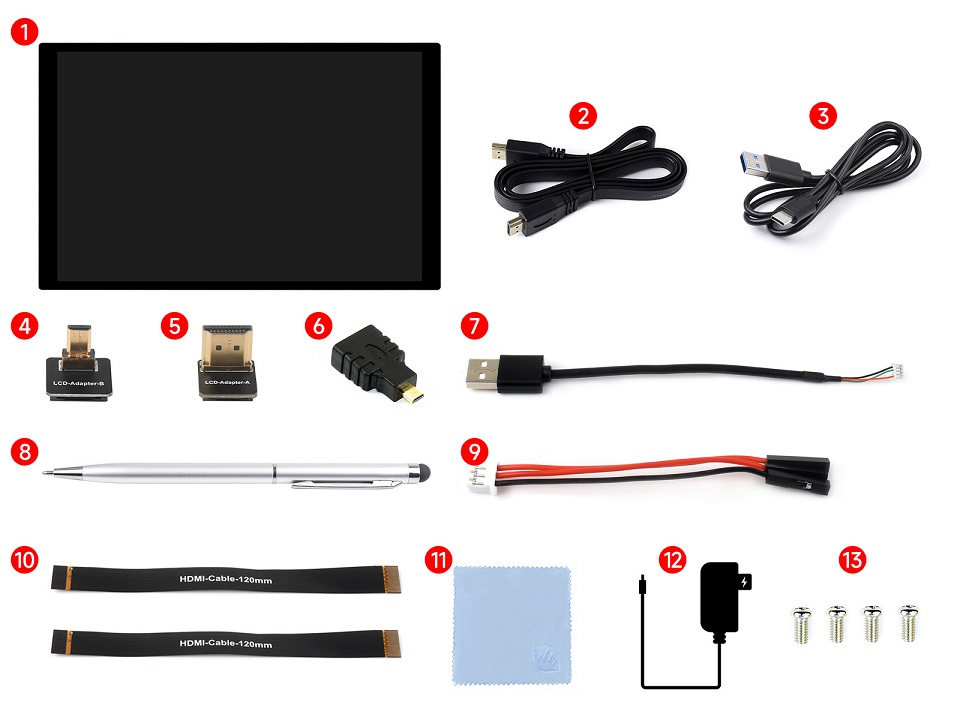
 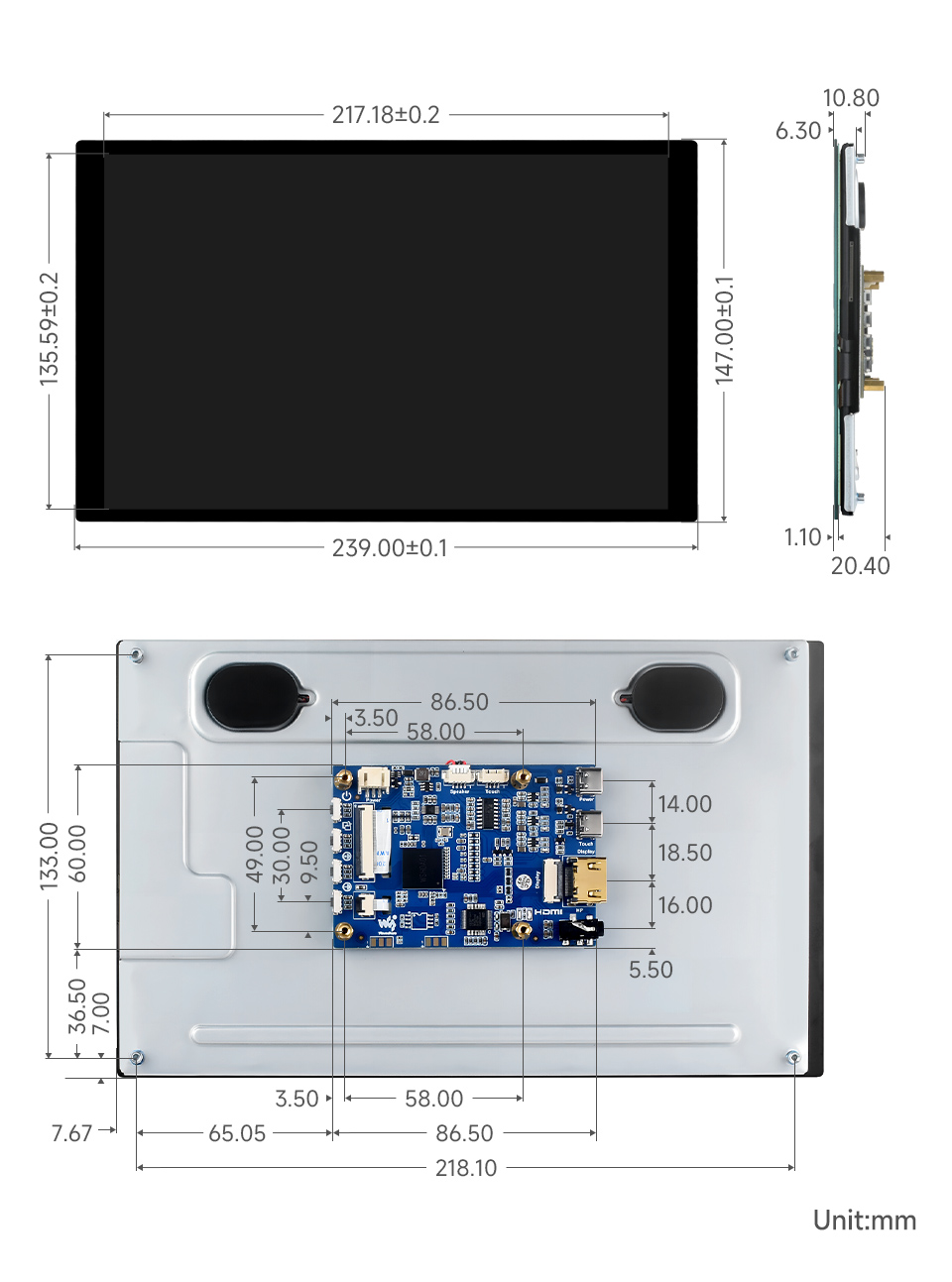 Package content: Weight:
 0.941 kg
Package Contains
- 10.1EP-CAPLCD ×1
- HDMI flat cable ~1m ×1
- USB Type-A to Type-C cable ~1m ×1
- Micro HDMI Adapter ×1
- HDMI Adapter ×1
- HDMI to Micro HDMI Adapter ×1
- PH1.25 4PIN to Type-A cable ×1
- Capacitive touch pen ×1
- 3PIN cable ×1
- HDMI-Cable-120mm (2pcs) ×1
- Cleaning cloth x1
- OPTIONS 5V 3A power supply ×1
- Screws pack x1







Komentari